Supplier photo → clean model image
Use the real sweater as the reference. Lock neckline, knit, sleeves, cuffs, hem, color, and decoration placement before styling the scene.
KNITWEAR TASK EXAMPLES
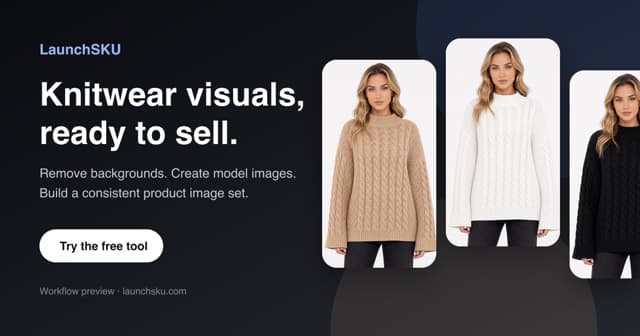
Use the real sweater as the reference. Lock neckline, knit, sleeves, cuffs, hem, color, and decoration placement before styling the scene.
Choose MAIN, front model, alternate view, knit detail, fit/size, or lifestyle. Approve useful roles and reuse them as references.
Use an approved image and request only the intended garment color change. Review texture, trims, skin, and background for drift.
Correct light, dust, wrinkles, and backdrop consistency while preserving the actual product structure and visible details.
THE REVIEW LOOP
Neckline, seams, hems, ribbing, pattern, and decorations.
Look for smoothing, overexposure, or unintended color drift.
Hands, anatomy, shadows, text, props, and marketplace rules.
Carry the strongest composition into the next role or colorway.